‹ All posts
Framer Agents
Bring Your Own AI: External Agents in Framer 3.0
Framer Agent
·
·
4 min read
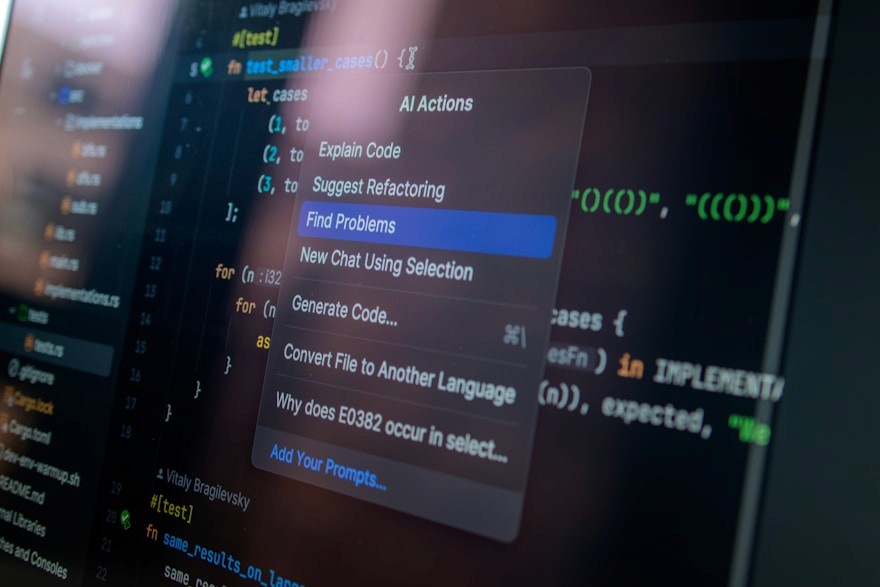
Until recently, AI in design often felt disconnected: generate a mockup in one tool, export to another, paste code into a third. Framer Agents changed that by bringing AI directly into the canvas. Now, with External Agents, the integration goes further—letting you bring your favorite AI development tools into Framer itself.
External Agents: Workflow Unification
Framer 3.0 introduces External Agents, a new integration layer that connects Claude Code, Cursor, Gemini CLI, and Codex directly into Framer projects. Unlike traditional AI tools that generate static mockups or disconnected code snippets, External Agents keep all your work inside Framer’s visual, editable, publishable environment.
Whether you start in Claude Code and send changes to Framer, or prompt an agent inside Framer’s canvas, the work arrives as native Framer layers—fully editable, completely integrated, ready to inspect, refine, and ship.
Why This Matters
Most design-to-code pipelines involve friction: switching between tools, copying and pasting, reconciling versions, and managing disconnected state. External Agents eliminate that gap. Developers and designers can stay in their preferred editor, Cursor users can leverage autocomplete and Copilot, Claude Code users get access to Framer’s visual editor, and everything stays synchronized in one place.
A Real Workflow
Imagine building a landing page. You open Claude Code, prompt it to generate a hero section based on your brand tokens. The agent reads your Framer design system, generates native Framer components, and the result lands on your canvas—fully responsive, properly typed, with styles already bound to your tokens. You tweak alignment in the Framer UI. Claude Code sees the change and offers refinements. Ship when ready.
That’s External Agents: unified, visual, native.
Getting Started
External Agents are built into Framer 3.0. Connect your preferred tool via Framer’s settings, then prompt as usual. Work will sync back to your Framer project as native layers. No copying. No pasting. Just design and code, together.
The Future of Design + Code
With Framer Agents handling design iteration and External Agents bridging your tools, the line between design and development blurs. Teams can ship faster, iterate visually, and maintain a single source of truth. The best part: you’re not locked into one workflow. Use Claude Code some days, Cursor others. Framer adapts to how you work.
Copy this post as a prompt
Grab the full text of this article and paste it into any AI agent — or a Claude Code routine — to keep the series going.